Photos and videos
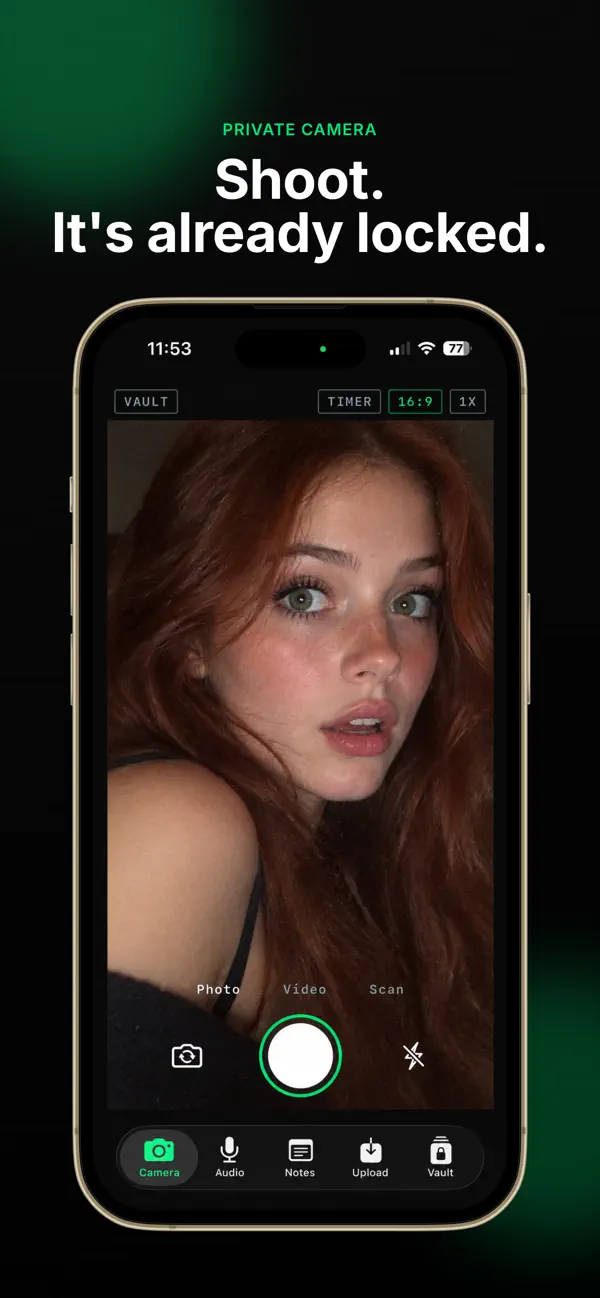
Shoot with the built-in camera and the file lands in your vault, never in your camera roll.
 Your vault. Your device. Your control.
SilentLens locks your photos, videos, audio recordings, notes, scans and files in an encrypted vault on your iPhone. You don't need an account and nothing goes to a cloud. Every PIN opens its own separate vault.

Scroll for more screens
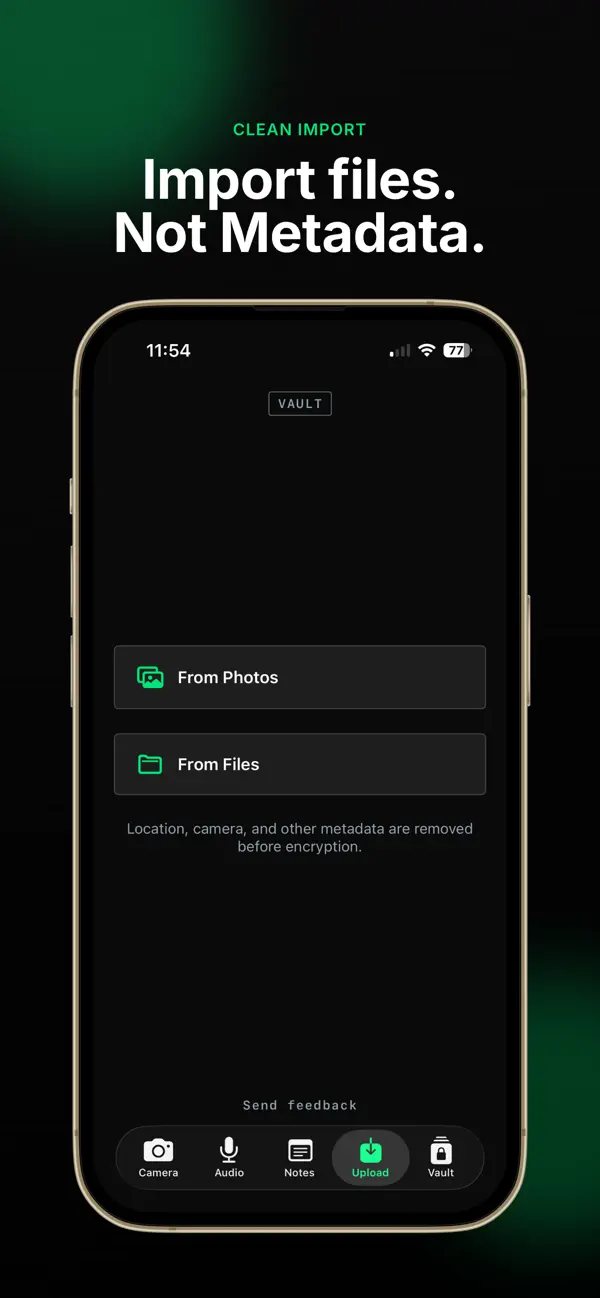
Capture straight into the vault or import what you already have. It's encrypted the moment it's stored.
Shoot with the built-in camera and the file lands in your vault, never in your camera roll.
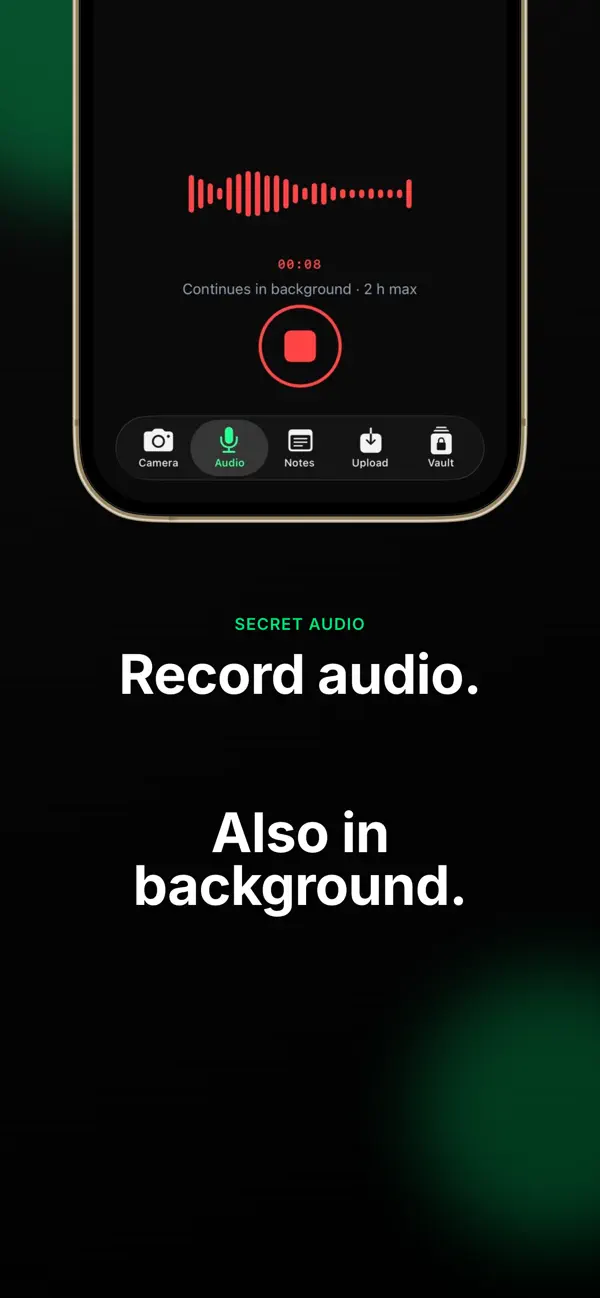
Record voice memos and audio. Recording keeps going when the app is in the background.
Scan paper documents or import PDFs and other files, and keep them next to your media.
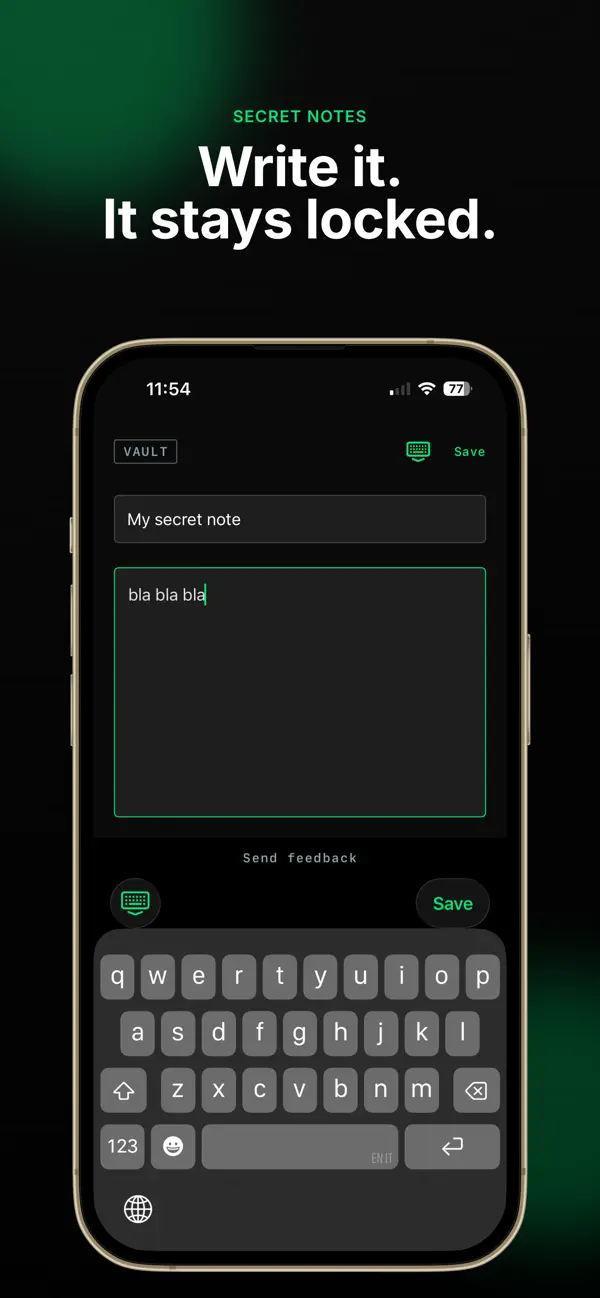
Write things down that should stay between you and your phone.
Photos taken in SilentLens have GPS and EXIF data removed before they're stored.
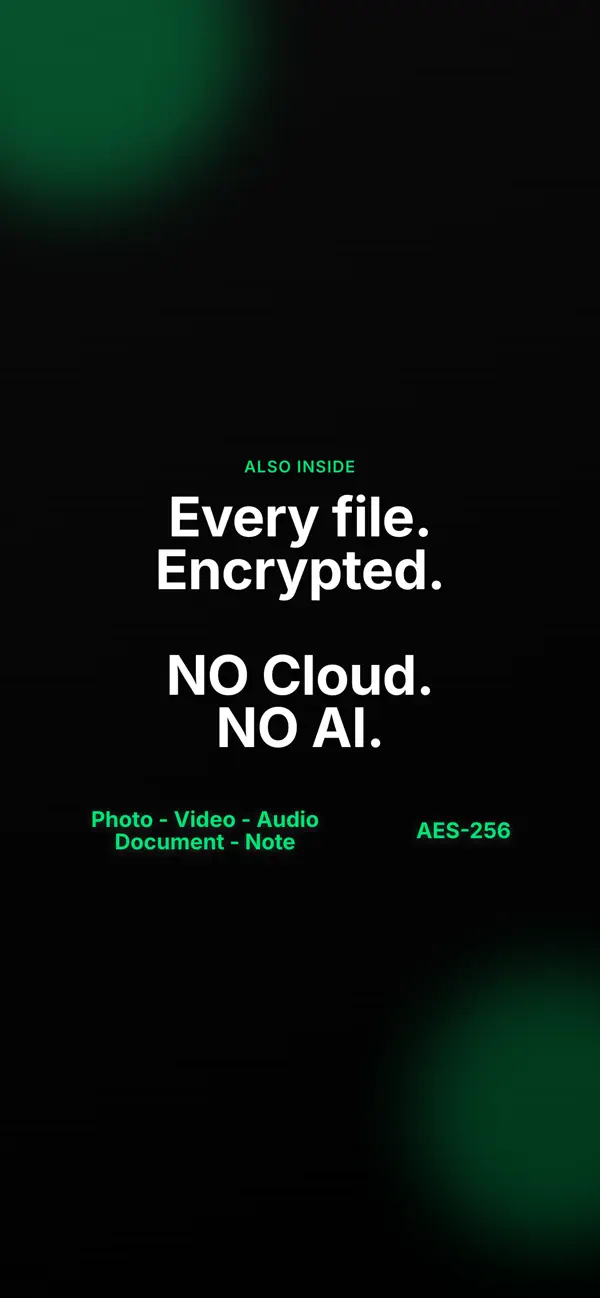
Your media is encrypted with AES-GCM. The keys are protected by Apple's security technologies.
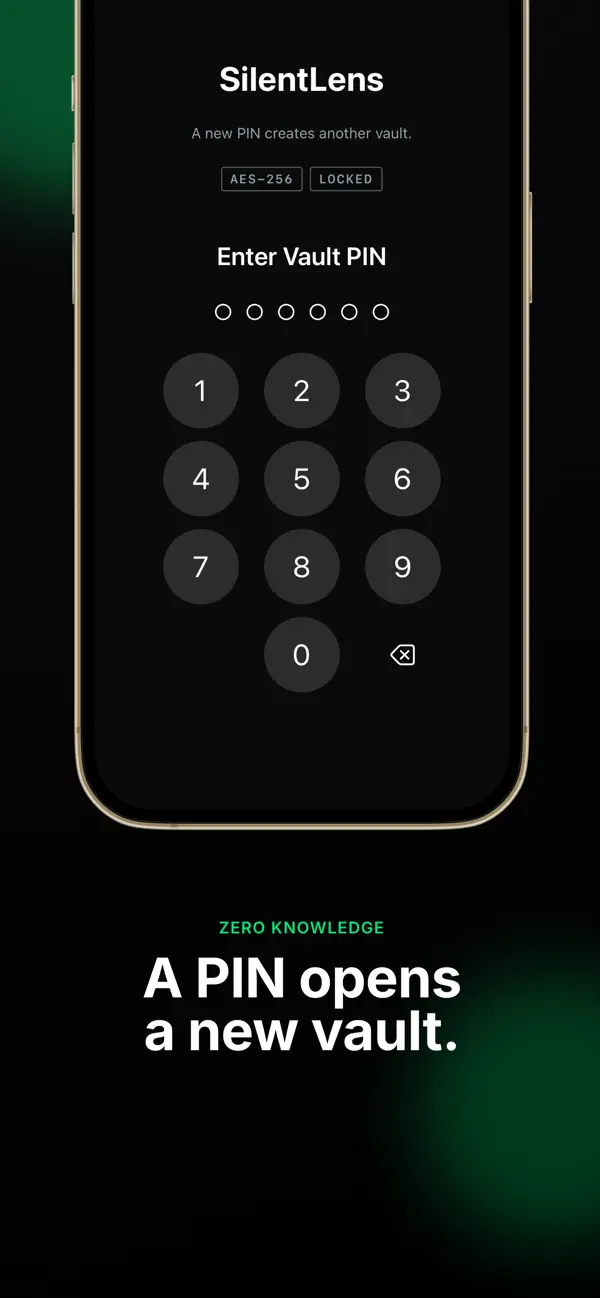
Type a new PIN and SilentLens creates a new vault. Type another and you get another. Each one is completely disconnected from the rest.
There's no vault list anywhere in the app. Nobody can tell how many vaults exist, or open one, without knowing its PIN and unlocking the device.
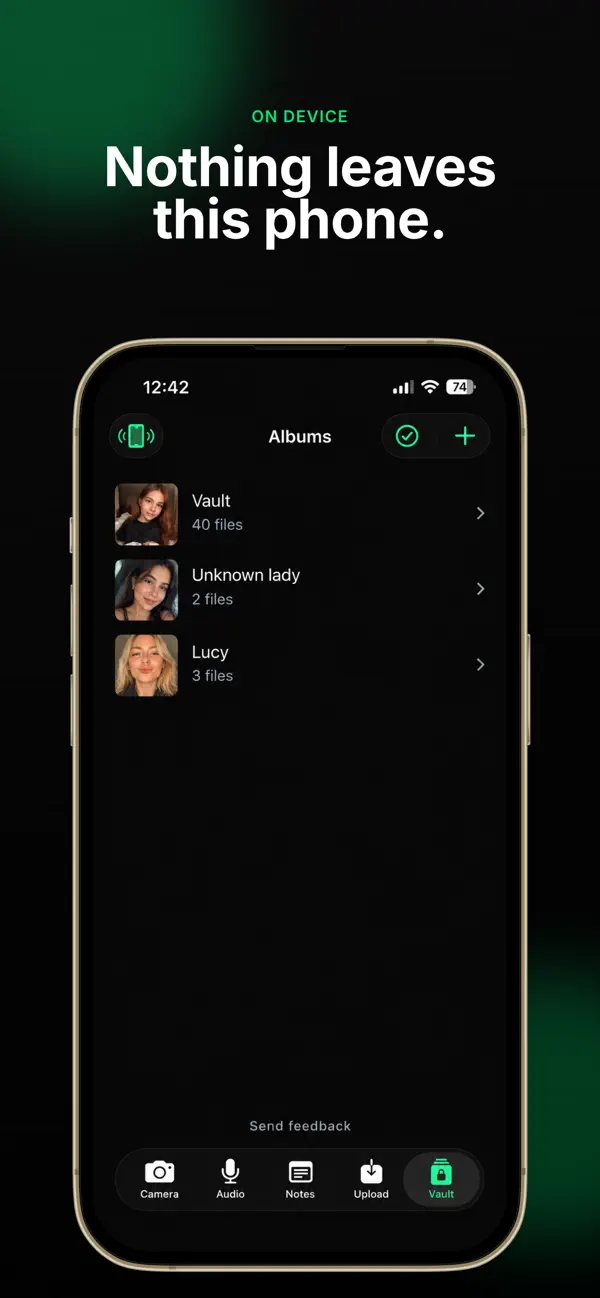
There's no SilentLens account to create and no cloud storage holding your vault. Nothing syncs anywhere. Vault data is even excluded from iCloud backups.
Data Not Collected
The developer doesn't collect any data from this app. Read the privacy policy.
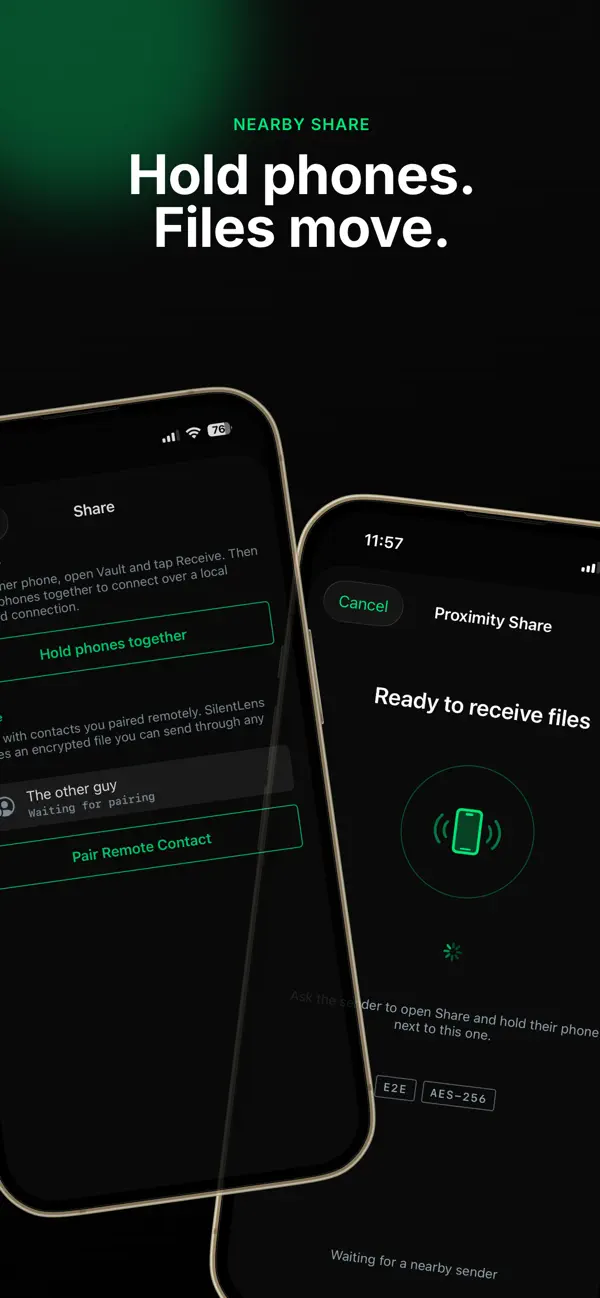
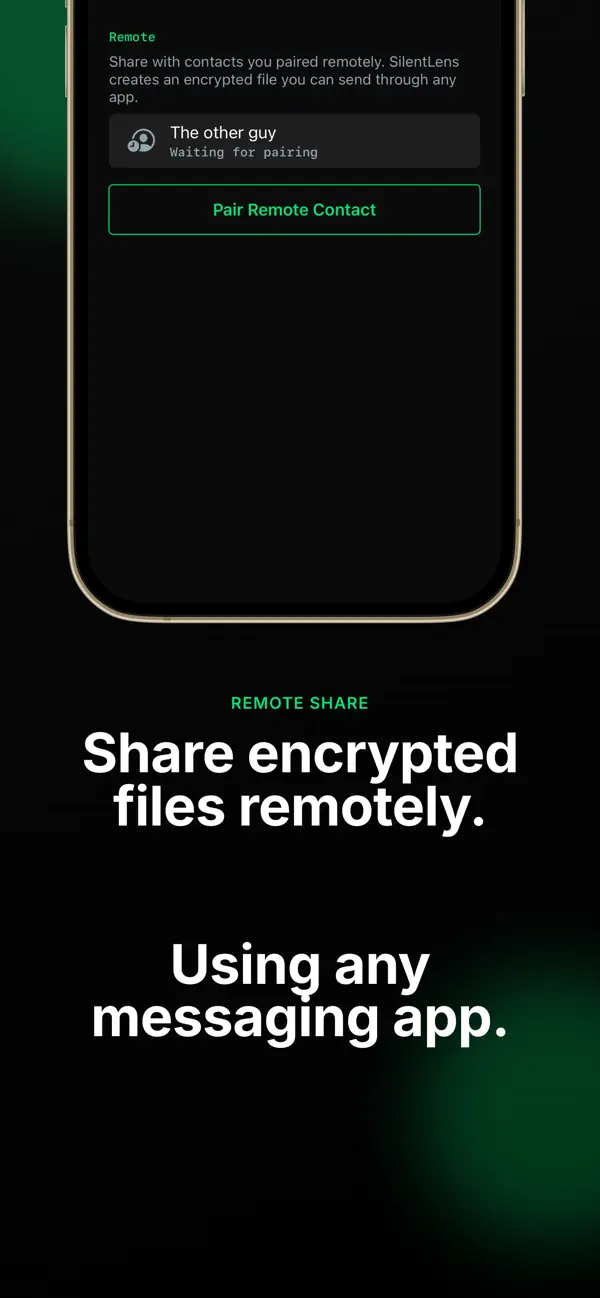
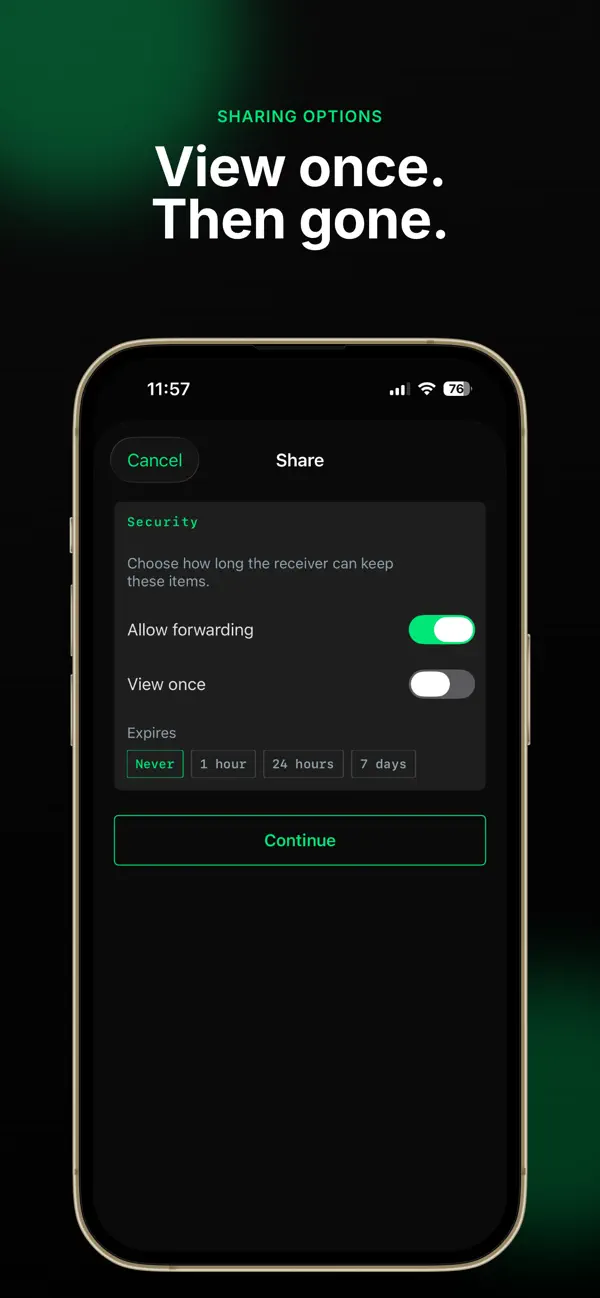
Send content from your vault to another device, encrypted along the way.
Only on your iPhone, inside SilentLens's encrypted vault. There's no SilentLens account, no cloud storage and no cloud sync, and the vault is excluded from iCloud backups.
Each PIN opens its own vault. Entering a new PIN creates a new, empty vault. Vaults are fully disconnected from each other, and the app has no list of them, so there's no way to see how many exist.
Because SilentLens has no cloud copy and no external vault backup, your vault lives only on that device. If you need a copy of something, keep it somewhere else yourself.
No. The App Store privacy label is “Data Not Collected.” See the privacy policy for details.
Media is encrypted with AES-GCM, and the cryptographic keys are protected using Apple's security technologies.
Yes. Photos captured with SilentLens have sensitive metadata such as GPS and EXIF information removed before they're stored.
No. SilentLens is a one-time purchase on the App Store, with no subscription. The exact price depends on your country's App Store and is shown on the app's App Store page.
Email info@silentlens.app.
SilentLens runs on iPhone with iOS 17 or later. The app is available in English.
Keep your private content where it belongs: on your iPhone, behind encryption and a PIN only you know.